

The internet moves fast — and your audience moves even faster. A gorgeous site doesn’t mean much if it takes forever to load. People won’t wait around. If your site stalls, they bounce.
One of the biggest culprits? Images, videos, and animations. Done right, they capture attention. Done wrong, they drag your site down and send visitors packing. The good news: fixing it is easier than you think. So let’s talk about how to optimize images for web pages the right way.
Why Are Images Important for Your Website?
Whether you’re building from scratch, making a few updates, or implementing a new digital marketing strategy, image selection and image optimization are more important than ever.
 Sure, there are so many to-dos when developing a site – strategy, architecture, navigation, mobility, accessibility, design, functionality, and content – that by the time you’re ready to check off images, you might be tempted to rush the process.
Don’t.
- Images hold immense power in communication, a fact supported by extensive research on the ‘picture superiority effect.‘
Studies reveal that humans have a remarkable ability to remember images over words, with one study showing that participants could recall 6,600 out of 10,000 images shown.
Furthermore, images break down language barriers, a concept dating back to when shops used pictorial signs for identification and ancient civilizations relied on hieroglyphics for communication.
- Younger generations prefer images over text. Research that studied Generation Y’s response to web pages found that they favor communication dominated by pictures vs. communication dominated by text.
- Images on a website can improve user experience. Pictures and images convey messages much quicker and more succinctly than a block of words.
They can illustrate a place, an experience, a message, or a feeling in less than a second. Infographics can also add visual interest to important information.
- Images are more than mere space fillers; they’re potent tools for evoking emotional responses aligned with your brand’s goals.
Whether encouraging users to purchase, donate, sign up, or convert, the right images are crucial for driving action.
How to Master the Fine Art of Website Image Selection
Navigating the vast sea of stock photo libraries for the perfect website images can feel like searching for a needle in a haystack – a very expensive and time-consuming haystack.
Many businesses, our own included, turn to the treasure troves of Getty Images and the like, only to find themselves adrift in an ocean of choices. The irony? With millions of images at your fingertips, you’re more likely to pick one just to check it off your list rather than because it’s the perfect fit.
But there is a solution. According to our very own Creative Manager, Sylvia Foerster, there’s an art to picking that jaw-dropping, stop-you-in-your-tracks image. It’s all about context and message.
Are you going for the bold statement of a hero image or the nuanced whisper of a background for your service page? Sylvia warns against the siren call of busy images that drown your text in a sea of visual noise. “If deciphering your message requires a magnifying glass,” she says, “you’ve already lost your audience.”
Additionally, cliché or overused stock photos should be avoided. In the world of credit unions and banks, for instance, why settle for the mundane handshake or the jangling keys? Opt instead for images that spark joy – images that make you taste the champagne toast in your newly remodeled kitchen or feel the wind in your hair from a brand-new car.
Keep your brand identity in mind too. Every chosen image should sing in harmony with your brand’s voice, message, and tone. Think of it as curating a gallery where every piece tells a part of your story, minus the monotony of overused visuals.
Remember, in the quest for the perfect website imagery, mediocrity is the true villain.
How to Optimize Images on Web Pages
Now that we’ve shown why images are vitally important to the design of your website, it’s time to talk about how to optimize them on your website.
Here, image optimization emerges as your secret sauce. It’s where the magic happens – balancing the glamor of high-quality images with the nitty-gritty of file size efficiency.
Here’s how to optimize images for better site speed and performance:
 Slim Down Those Pixels:
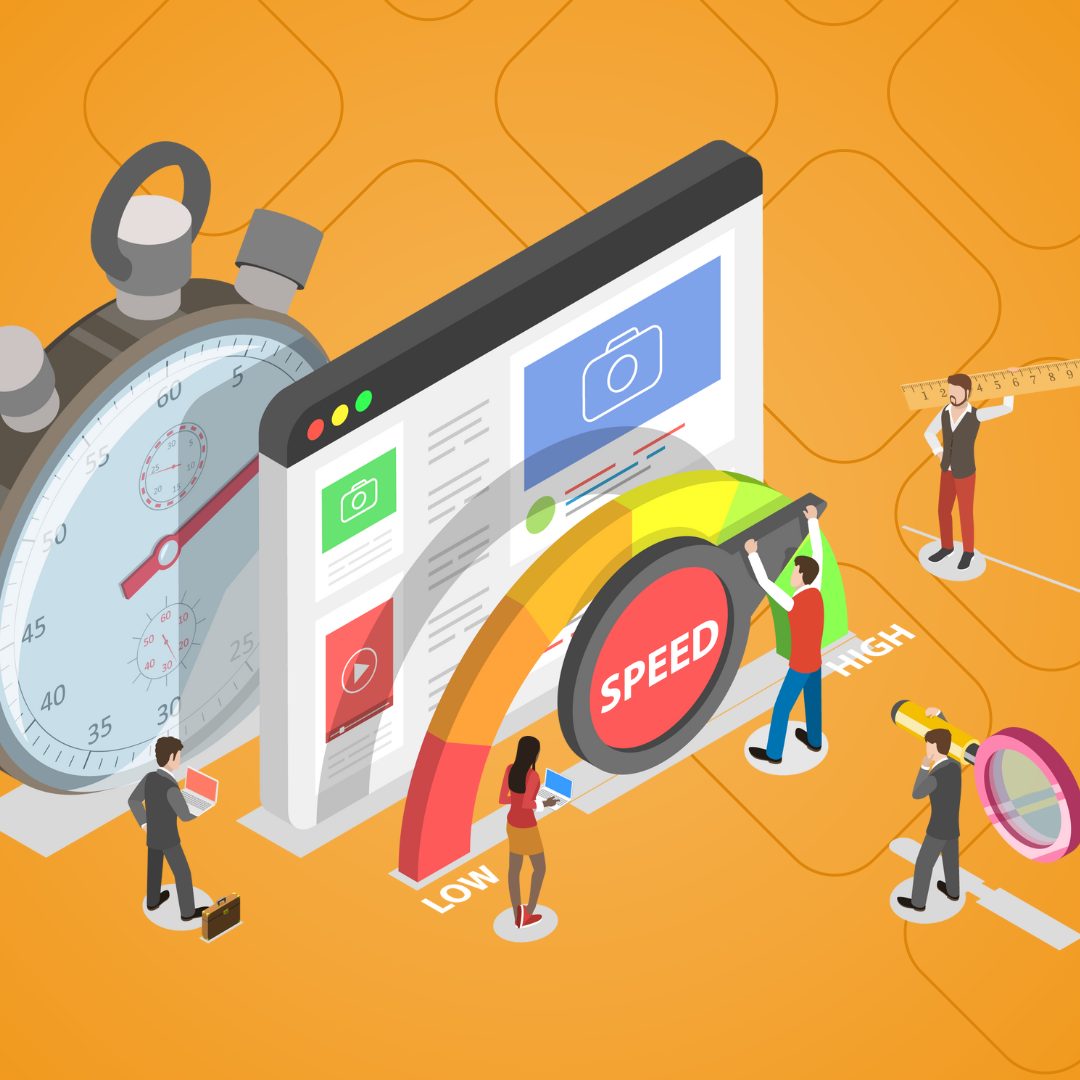
Like an overpacked suitcase, bulky images can bog down your site’s speed, sending potential visitors off to more responsive sites, a.k.a. your competitors.
Compress those digital behemoths to shave off precious milliseconds from your site’s load time, reducing the bounce rate, which, if high, can negatively impact your search engine rankings.
Name Your Shots:
In the grand digital library, a well-named file shines. “Farmers-market-alexandria-va.jpg” is a treasure map for search engines, while “Image1000444.jpg” might as well be invisible ink.
This is all about ensuring that when someone’s on the hunt for something you offer, you’re the X that marks the spot.
Alt Tags Are Your Secret Weapon:
These tiny text descriptors pack a mighty punch for SEO, turning your images into silent ambassadors. They also enhance the accessibility of your site. Craft them with care: clear, descriptive, and brimming with keywords.
Choose Your Weapons Wisely:
Not all image formats march to the beat of the same drum:
- GIFs juggle animation with simplicity, perfect for the minimalist art connoisseur.
- JPEGs balance quality and compactness like an acrobat, ready for most visual feats.
- PNGs dazzle with a broader spectrum of colors, maintaining sharpness like a high-definition dream.
Optimize Those Thumbnails:
These mini marvels can turn into speed bumps if not properly streamlined. Equip them with their own alt tags and ensure they’re lean, mean, and ready for action without weighing down your pages.
Decorative Images:
Beware these wolfish pixels in sheep’s clothing. Sure, they dress up your site, but at what cost? Trim the fat by reducing file sizes or swap them out for CSS wizardry to keep your site light on its feet.
Optimizing Dynamic Images for Your Website
With the fundamentals of static imagery in your arsenal, it’s time to master the dynamic duo: animations and videos. They can be the life of the party, but without a careful hand, they’re more likely to crash the bash. Here are some best practices for these two features:
Animation Performance Optimization Techniques
Animations should be the sprinkle, not the icing. Use them to enhance, not overwhelm.
Heavy animations can slow down your site, so opt for lightweight CSS or SVG animations that don’t compromise your site’s performance. Remember, the aim is to enhance the user experience, not detract from it.
Video Performance Optimization Techniques
Videos, the blockbuster of web content, need a good game plan. They can significantly increase engagement across all demographics but will slow down your site if not optimized correctly. Here are a few tips:
- Host videos externally: Platforms like YouTube or Vimeo can host your videos, saving you bandwidth.
- Lazy load videos: This means videos only load when they come into view, freeing up resources for other page elements to load faster.
- Use compressed video formats: Ensure your videos are in a web-friendly format that balances quality and file size.
POV: Your Site – Fast, Functional, Flawless
While optimizing images is critical for website performance, it can also be fraught with challenges. However, with these performance techniques in your arsenal, you’re well-equipped to face them head-on.
Remember, the goal is a website that’s not just fast, but also functional and engaging across all devices.
At Ironistic, we don’t just understand website performance; we live and breathe it. When you want to take a deeper dive with a website audit or need a fresh look at your site’s design and performance, our team is ready!
Explore our suite of creative services, website maintenance services, or simply reach out via the short form below!